Quick Answers: Janitor AI 401 Unauthorized Error
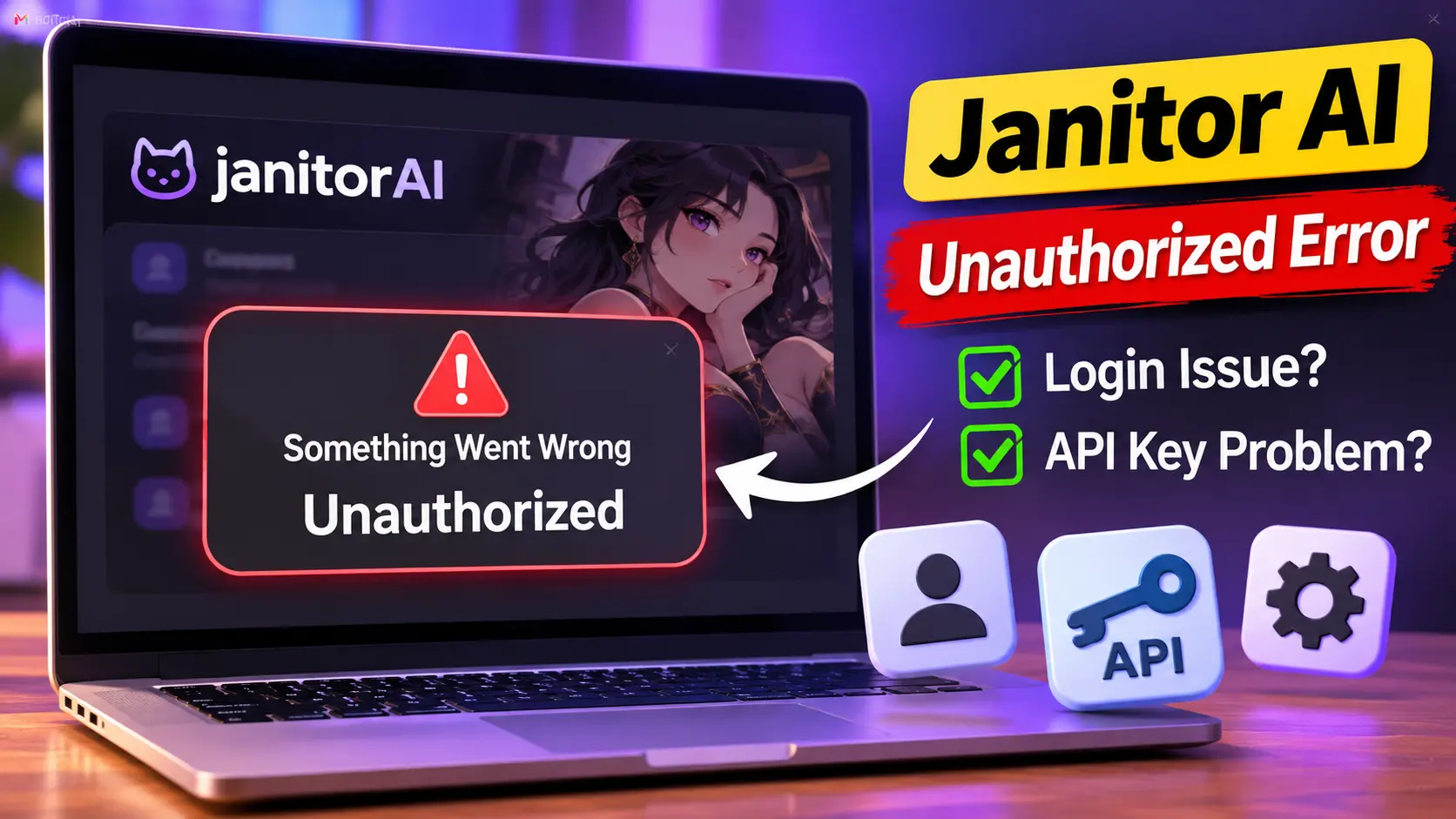
- 1 “Unauthorized” is a 401 error: the system that received your request couldn’t confirm who you are. On Janitor AI, that system can be Janitor itself (your login session) or the model provider behind your proxy (your API key).
- 2 Janitor’s own help article ties the error to your login session, authentication token or network setup, and gives five steps that start with logging out and back in.
- 3 If Janitor’s built-in model still replies but your proxy chats fail, the key, provider or URL is the more likely cause.
- 4 Janitor’s 401 article doesn’t describe the message as a ban notice.
- 5 A 403 or an “access denied” screen is a different problem with different fixes.
The word “Unauthorized” turns up on Janitor AI in two very different situations, and the fix for one does nothing for the other. Clearing your cookies won’t repair a revoked API key, and regenerating a key won’t repair a dead login session. That mismatch is why a single fix list leaves so many people stuck.
If you searched “janitor ai something went wrong unauthorized,” this guide sorts the error into its likely causes with one short test, then walks through the fix for each. The exact wording on screen can vary, so start by noting what you see and when you see it.
We ran the checks below ourselves on November 23, 2026. The built-in model worked normally and we couldn’t reproduce the error, so there is no screenshot of the message here. The section after the two-question test covers what the test did and didn’t show.
First, check whether it’s just you
Before touching any settings, rule out a platform-side problem. Janitor keeps a status page at status.janitorai.com and posts short incident notes in its changelog; one third-party write-up that checked both in October described a Backend and a Frontend component on the status page. Community threads on r/JanitorAI_Official can also tell you quickly whether other people see the same error right now.
If many people report the same thing at the same time, nothing on your side will fix it. Our full guide to Janitor AI not working covers the other error codes and how to read an outage. If the problem looks like it’s only yours, keep going.
Match the message to the moment it appears
Where you see the error is the strongest clue you have. Use this table as a starting point, not a verdict.
Error Diagnostic & Troubleshooting Map
| Where it appears | Most likely cause | Go to |
|---|---|---|
| At login, or the page loads but nothing works | Your session, token or network | Branch A |
| Only when you send a message through a custom proxy | The provider rejecting your API key | Branch B |
| Janitor’s built-in model replies, but proxy chats fail | Key, provider or URL | Branch B |
| “Access denied,” a verification loop, or a 403 | A network or Cloudflare block | Branch C |
The two-question test
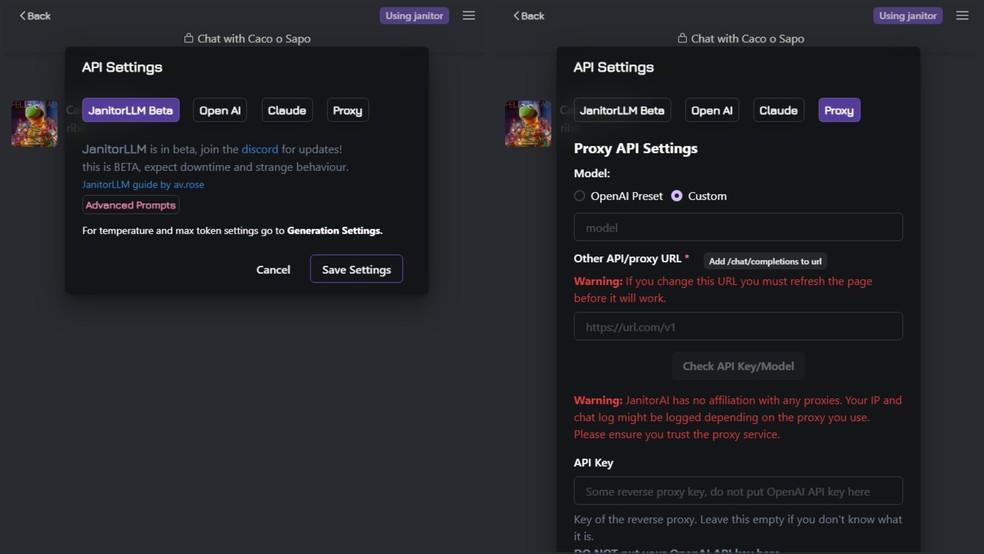
Two checks take about a minute and split most cases.
- Does a fresh chat on Janitor’s built-in model (JLLM) still reply?
- Does the error follow you to a different browser or a different network (say, mobile data instead of Wi-Fi)?
Here is how to read the answers:
- The built-in model fails too, and a second browser or network behaves the same. Janitor can’t verify your account. Start with Branch A, and recheck the status sources above.
- It works in another browser but not your usual one. The fault is probably local to your browser’s cookies or extensions. Branch A, steps 2 to 4.
- The built-in model works, but your proxy chats fail. The provider is refusing something you sent. Branch B.
- You get an access-denied or verification screen instead of “Unauthorized.” Branch C.
These tests narrow the search. They don’t guarantee a cause, and a platform incident can muddy the result.
What our November 23 test showed, and what it didn’t
We ran the two-question test ourselves on November 23, 2026, to see whether the “Unauthorized” error could be reproduced.
Test 1: login and the built-in model. Result: worked.
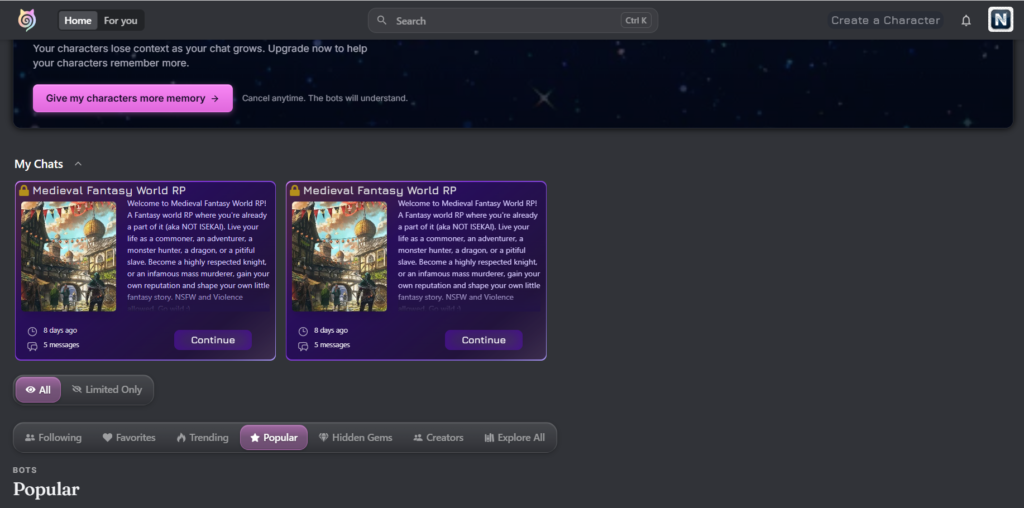
We logged in through the official site at jani.com, opened a chat and sent this message: “Reply with exactly: JANITOR TEST SUCCESS 2311.” The built-in model answered with “JANITOR TEST SUCCESS 2311.” Login and built-in replies were healthy that day, and we saw no “Unauthorized” error on this path.
Test 2: custom proxy. Result: connection test not completed.
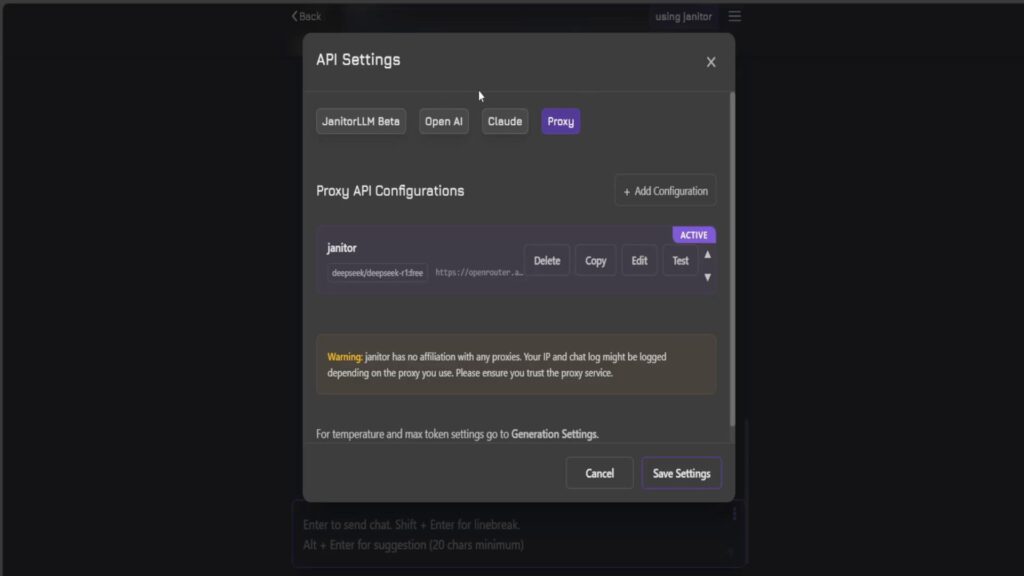
We switched the Provider setting from Janitor to Proxy and opened the proxy configuration panel. The form asks for a proxy name, proxy URL, API key, model ID and thinking settings. We also looked at an OpenRouter-style setup using the endpoint https://openrouter.ai/api/v1/chat/completions and the model ID openrouter/free. Janitor showed “API not ready! Click to setup,” and we couldn’t complete a connection test in this session.
What this supports. The built-in model replied while the proxy setup stayed incomplete, which fits the split in question 1. When the built-in model works and only proxy chats fail, checking the proxy configuration and your provider credentials is a sensible next step.
What it doesn’t show. We did not reproduce a provider-side 401 Unauthorized, so this test can’t confirm that an invalid key produces it in Janitor’s current interface. The provider message table in Branch B rests on Janitor’s and OpenRouter’s documentation, not on our own reproduction.
Branch A: Janitor can’t verify your session
Janitor’s help article on this error describes it as a problem with your login session, authentication token or network configuration. It names cookies that fail to refresh, browser bugs and IP-level blocking as possible causes. Its fixes, in the order it gives them:
- Log out, then log back in. Make sure you know your login details first.
- Open Janitor in an incognito or private window.
- Try a different browser.
- Clear your browser cache and cookies. The article warns this logs you out, and advises skipping it if you don’t remember your credentials.
- If it still fails, try a VPN. The article suggests this last, which tells you how Janitor ranks it: a fallback for IP or network problems, not a first move.
The order matters. Steps 1 to 3 change nothing permanent, so run them before the step that signs you out everywhere. That also corrects a common shortcut: clearing the cache is not the universal first fix for this error, and it has a real cost if you can’t log back in.
One caution. That help article was last updated in May 2025, so button names and menu paths may have shifted since.
Branch B: your provider is rejecting your key
When you use a proxy, Janitor forwards your API key to the model provider and shows you the provider’s answer. If the provider says no, you see a provider-side 401. The person who can fix that is you, in your provider’s dashboard and in Janitor’s API settings.
Matching the wording to the cause saves guessing:
Proxy & API Error Messages (401 & 402) Breakdown
| What you see | Where it comes from | What it points to | What to do |
|---|---|---|---|
| 401 with “Invalid token” | Chutes, as described in Janitor’s Chutes guide | The API key is incorrect | Paste the key exactly as issued and remove any spaces before or after it |
| 401, invalid credentials | OpenRouter’s error documentation | An expired OAuth session, or a disabled or invalid API key | Check the key in your dashboard; create a new one if it’s disabled |
| 401, “Missing Authentication header” | An example response in OpenRouter’s API reference | The request arrived with no key attached | Confirm the key field isn’t empty and the configuration saved |
| 401, “User not found” on a key that used to work | A user-filed report in an OpenRouter docs issue | Reported as the response to an expired key; the issue’s current status is unknown | Check whether the key has an expiry date, then replace it |
| 402 | OpenRouter’s error documentation | Insufficient credits on the account or key | Add credits. This is a balance problem, not a 401 |
That last row matters. On OpenRouter’s API, an empty balance is a 402, so a plain 401 points at the credential itself. Janitor may word provider errors in its own way, so go by the status code and message rather than the general feel of the error.
Janitor’s own checklist for OpenRouter. Janitor’s OpenRouter guide (April 2025) starts with the basics: confirm your configuration is marked Active, press Save Settings even if you changed nothing, then refresh the whole Janitor page. For the URL it says to use exactly https://openrouter.ai/api/v1/chat/completions, with no extra slashes or repeated segments.
Check that the key matches the provider. A key only works with the provider that issued it. An OpenRouter key pasted next to a different provider’s URL will be rejected, and so will the reverse. If you’re setting up from scratch, our guides for DeepSeek, Gemini through Google AI Studio and the free proxy and API key walkthrough each show the matching key and URL pairs.
If you replace a key, revoke the old one in your provider’s dashboard rather than leaving it active, and paste the new one only into Janitor’s API settings.
Branch C: when it’s a block, not a 401
Some screens look like authorization errors but aren’t. Janitor’s help centre has a separate Cloudflare “Access Denied” and verification article covering symptoms such as an access-restricted message, a verification loop, and error 1020. One troubleshooting site reports that an access-restricted screen is usually a Cloudflare block on your connection rather than an account ban, though that’s a secondary source.
If that’s what you’re seeing, the 401 steps above aren’t the right ones. Our error-code guide has the 403 and Cloudflare codes laid out side by side.
“Failed to load more chats: Unauthorized”
This variant shows up in related searches, and it’s a different moment from a failed reply: the message appears when Janitor tries to load your chat list. We couldn’t find an official explanation, so we won’t guess at a cause. Because it uses the same word, running Branch A first is a reasonable starting point, but treat that as a place to begin rather than a confirmed fix.
November 19–20, 2026: what the domain hold does and doesn’t explain
On November 19, 2026, janitorai.com stopped loading for about 15 hours. Third-party write-ups, including RoboRhythms and Afterlife, report that its registrar put the domain on a “client hold” at 10:46 UTC and lifted it at 02:00 UTC on November 20, and that Janitor described the cause as a false abuse report.
A large thread about 403 and “unauthorized” errors was also active on r/JanitorAI_Official that day, according to its Google listing. The timing is suggestive, but we found no source saying the hold caused any 401, so treat it as a possible coincidence, not a diagnosis. If you still see the error days later, run the branches above as you would for any other 401.
Two practical points from this episode:
- Janitor’s terms of service list jani.com, janitorai.com (and their subdomains) and the official iOS and Android apps as the places to access the platform. Use one of those, and type or bookmark the address yourself.
- One of those write-ups notes that janitor.ai is an unrelated site. Don’t enter your Janitor login or an API key on lookalike domains or “mirrors.”
Does “Unauthorized” mean you’re banned?
Janitor’s 401 article describes session, token and network causes and doesn’t mention bans. We couldn’t find an official list of ban messages, so we can’t tell you what a restriction looks like. What we can say is that an account that logs in and chats normally on the built-in model is behaving like a working account, which points away from a restriction.
If you suspect one, don’t keep retrying. Write down the exact message and contact support with it.
What makes it worse
- Deleting your account. It addresses neither cause, and it isn’t a quick thing to reverse. If you’re weighing it anyway, read what to do first.
- Pasting your key or login into “fix” pages or direct messages. Nobody needs your key to repair a Janitor error. Our safety guide covers how Janitor handles your data.
- Giving your credentials or session tokens to unofficial tools. Janitor’s terms prohibit handing login details or session tokens to an unofficial client.
- Hunting for free or shared keys. A key you didn’t create can be revoked or throttled at any time, and sharing yours creates a security problem. The official-route setup is slower to start but easier to trust.
When to contact support
If the branches above haven’t fixed it, Janitor’s help article offers live chat and an email address, [email protected]. Include:
- The exact error text and a screenshot
- When it started, and what you were doing (logging in, loading chats, sending a message)
- Your device and browser
- Whether you use Janitor’s built-in model or a proxy, and which provider
That gives support something to act on, which “it’s broken” does not.